Add Dynamic Camera Motion Using Video to Video AI Editing
Transform Static Footage Into Cinematic Motion with a Simple Prompt
Creating dynamic, expressive camera motion typically requires complex equipment, such as dollies, cranes, tracking rigs, or post-production VFX work. But with video-to-video AI editing from Luma AI, you can now simulate stunning camera motion from static or limited-motion footage, using just a text prompt.
With Luma AI, creators can achieve AI video camera motion generation to transform static footage into cinematic motion instantly, without rigs or reshoots.
Whether you're aiming for a slow cinematic push-in, a sweeping pan, or a stylized handheld feel, Luma AI generates natural, smooth camera motion with 3D scene awareness and temporal consistency. No manual keyframes or compositing are required.
Simulate cinematic movement with video motion transfer AI and prompt-based camera control.
What Is Dynamic Camera Motion in AI Video Editing?
Dynamic camera motion refers to simulated movement such as panning, tilting, dollying, or orbiting, added to a video during editing. In traditional workflows, this requires either:
- Pre-shot footage with a moving rig, or
- Labor-intensive post-production using motion tracking or 3D camera matching.
The Luma AI video-to-video AI tool handles this through AI-driven motion synthesis. You simply describe the desired motion in a prompt:
- “Add a slow dolly-in toward the subject.”
- “Simulate a handheld side-to-side motion”
- “Create a circular orbit around the main character.”
Luma AI interprets the scene in 3D, applies motion paths, and renders new frames that look like they were filmed with dynamic, cinematic gear.
How Luma AI Adds Camera Motion Using Video to Video AI Editing
The video-to-video AI tool at Luma AI combines several advanced technologies:
- Neural Rendering: Understands scene depth and geometry to produce realistic motion.
- Video Diffusion Models: Maintains visual consistency across frames for professional output.
- Prompt-to-Motion Translation: Text prompts directly control camera behavior for creative freedom.
- Temporal Smoothing: Ensures smooth, jitter-free cinematic motion.
This means you can feed in a static clip and output something that feels entirely re-shot with dynamic movement, focus shifts, and cinematic pacing.
Prompt Examples for Dynamic Motion
You don’t need to be a cinematographer, just describe the effect you want. Here are prompt examples that Luma AI understands and responds to:
- “Add a slow zoom-in to intensify the subject’s emotion.”
- “Simulate a handheld camera feel with slight shake”
- “Create a smooth pan from left to right.”
- “Dolly out to reveal the full scene dramatically.”
- “Track backward as the subject walks forward.”
With video-to-video AI editing, your words become camera moves.
You can ask AI: Simulate a slow dolly-in toward the subject, or Create a sweeping pan across the scene. Try prompt-based AI camera motion to achieve cinematic results quickly.
Benefits of AI-Generated Camera Motion
Using the Luma AI video-to-video AI editing tool to create camera motion unlocks several creative and production advantages:
- No extra filming needed: Add motion to static interviews, product videos, or drone shots
- Cinematic storytelling: Direct emotional emphasis or reveal context dynamically
- Fast iteration: Test different motion styles instantly, no re-rendering needed
- Platform versatility: Adjust framing and motion for vertical, square, or horizontal formats
- Consistency: AI ensures motion paths stay natural and scene-accurate
Ideal Use Cases
- Filmmakers: Add dynamic camera movement to locked-off shots without having to reshoot.
- Content Creators: Simulate cinematic motion for social media videos.
- Marketers: Highlight products dynamically with AI-generated camera moves.
- Educators: Guide viewer attention with smooth motion paths.
- Podcasters/Interviewers: Add subtle push-ins for enhanced engagement.
Whether you’re creating solo or as part of a production team, video to video AI editing from Luma AI helps you add movement that elevates your message.
The Future of Camera Work Is Text-Driven
Dynamic camera motion has long been a luxury of high-end productions. With Luma AI video-to-video AI editing, you can achieve these results with zero rigs, zero reshoots, and zero post-production fatigue.
Just describe what you want. Let AI move the camera for you.
Frequently Asked Questions
Discover More
AI Video to Video Generator for Seamless Scene Transformation
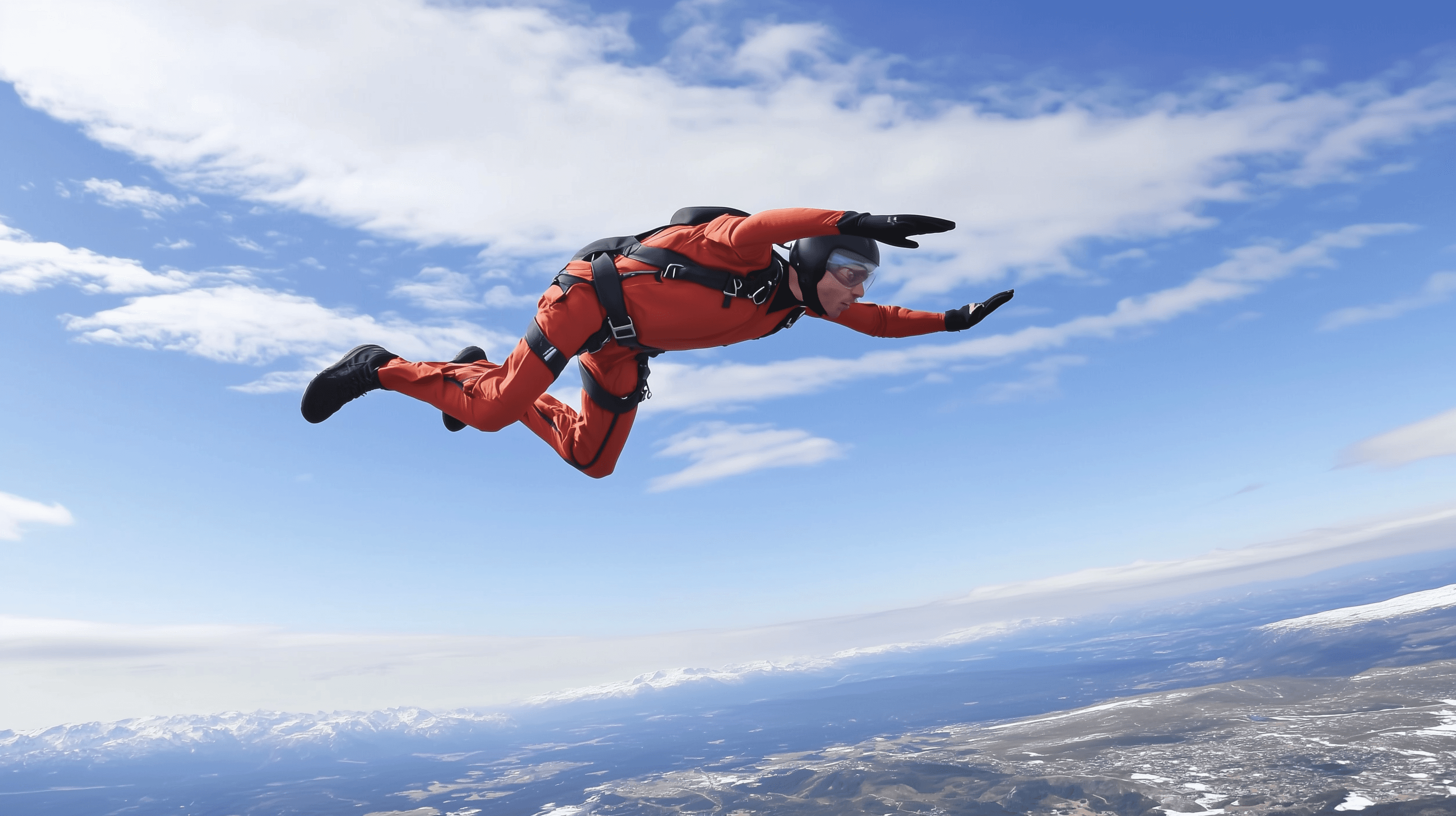
Luma AI Video to Video Generator empowers creators to achieve seamless scene transformation -reimagining the visual style of any footage while preserving its motion, structure, and storytelling. Whether you're refining a cinematic clip or exploring new artistic directions, Luma AI makes it simple to restyle entire video scenes with speed and fidelity.
From photorealism to stylized looks, AI Video to Video gives creators control and freedom, all without reshoots or complex post-production.
This enables AI video scene transformation that lets creators restyle video scenes with AI, iterate faster, avoid reshoots, and explore multiple visual styles from a single source clip.
Apply Vintage Aesthetic to Videos with the AI Video to Video Tool
Transform Any Footage into a Vintage Aesthetic Video Powered by AI
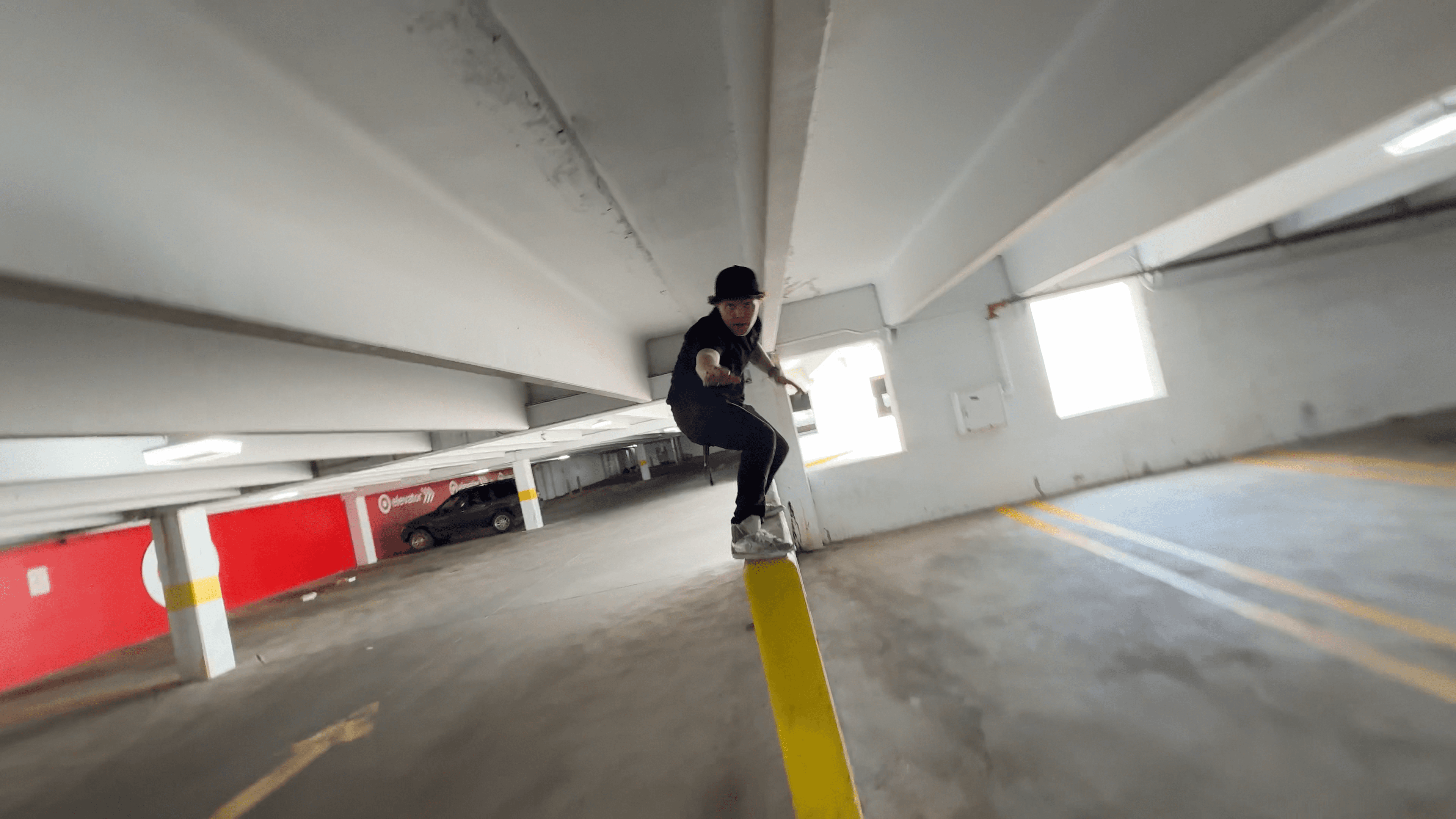
Vintage never goes out of style. Whether it’s the grainy look of VHS, the warm tones of Super 8 film, or the soft blur of analog camcorders, the vintage aesthetic is making a powerful comeback across music videos, fashion films, social content, and indie cinema.
This AI-powered vintage aesthetic video workflow uses advanced video style transfer AI to recreate authentic analog film looks while preserving original motion and scene continuity.
With the Luma AI Video to Video tool, you can reimagine any video in a vintage aesthetic through a simple text prompt or image reference. No LUTs, plugins, or color grading needed. Just describe the look you want, and Luma AI’s generative video model will bring it to life frame by frame.
Creators can quickly restyle videos with AI, experimenting with multiple vintage aesthetics without reshoots, plugins, or complex post-production.
Change Video Framing and Camera Angles with Video to Video AI
Transform the Perspective of Any Scene Without Reshooting
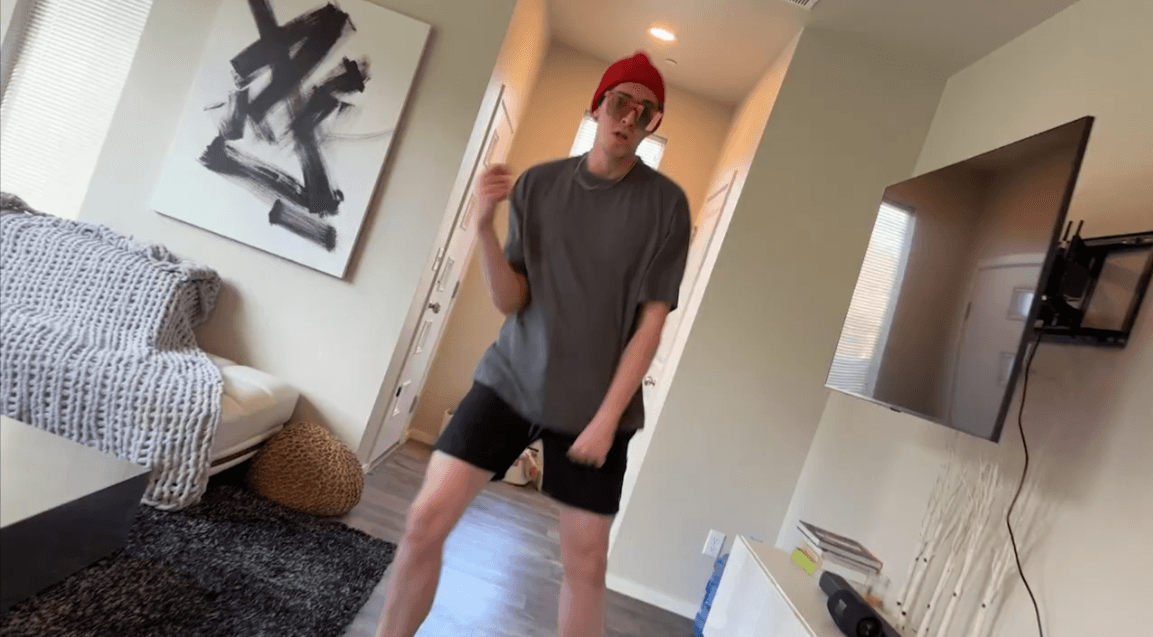
Whether you're working on short films, social content, product videos, or animations, getting the perfect camera angle or frame often requires reshoots, multiple takes, or complex editing. Not anymore.
This enables AI-powered video reframing and camera angle transformation without reshoots, helping creators iterate faster, explore new perspectives, and adapt footage for any platform using video-to-video AI.
With the Luma AI Video to Video tool, you can change video framing and camera angles using only a text prompt or reference image. This is next-gen generative filmmaking powered by AI that understands depth, composition, and cinematic perspective.
Unlike cropping or digital zoom, Luma AI reconstructs the scene using depth-aware video-to-video generation, enabling realistic angle changes while preserving motion, lighting, and spatial consistency.